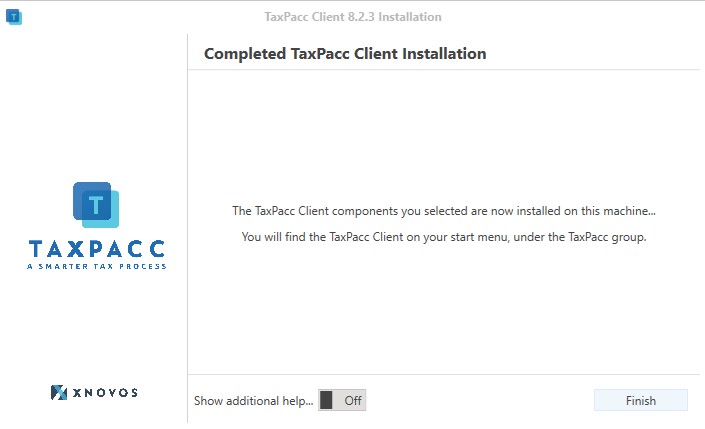
Setting up the client and connecting to your TaxPacc instance is easy...
First download the TaxPacc version matching your cloud instance...
When prompted the first time you run TaxPacc, you will need to enter your server details.
Using the setup file, install TaxPacc on your computer. You can see below for some further instruction...
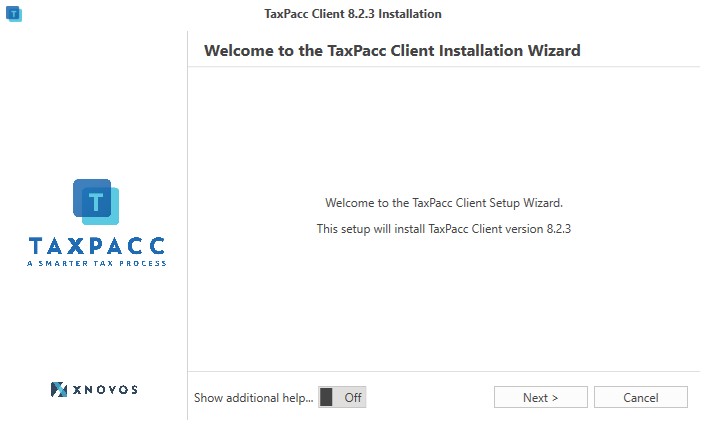
When you open the install, this is the welcome page that will greet you. It may show a specific version number, so don't worry if you see a difference.
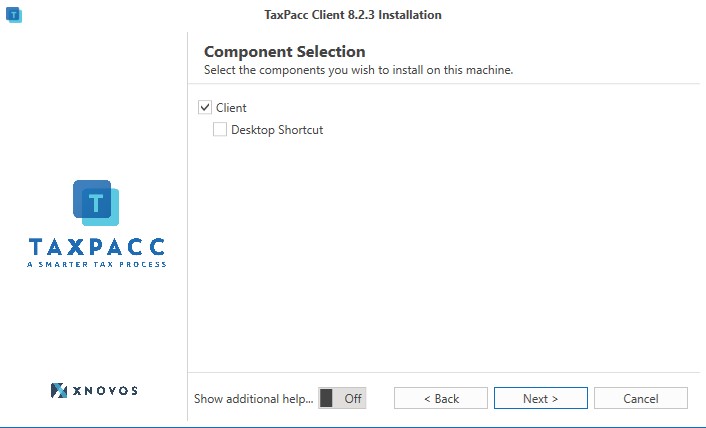
You can choose to install a desktop shortcut, but it will always be available on your start menu.
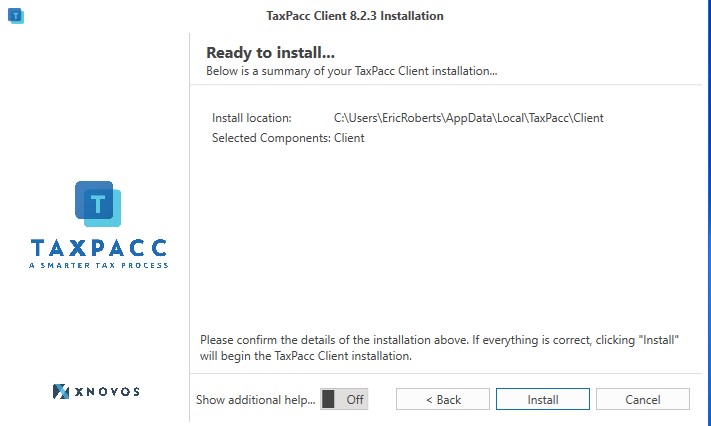
This is just to show you everything is ready to go... click next and it'll take care of itself.
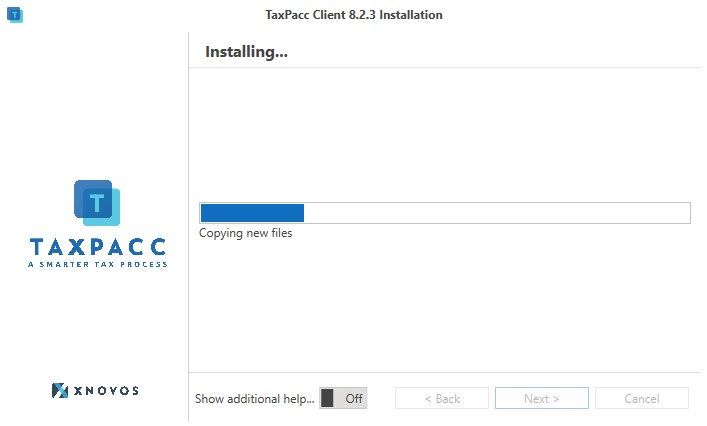
This is easy part... just sit back and wait a few seconds and everything should be complete.
TaxPacc is installed! If by some unfortunate chance something does go wrong, please feel free to reach out to us at our XNOVOS Support Portal, or mail us at support@xnovos.com